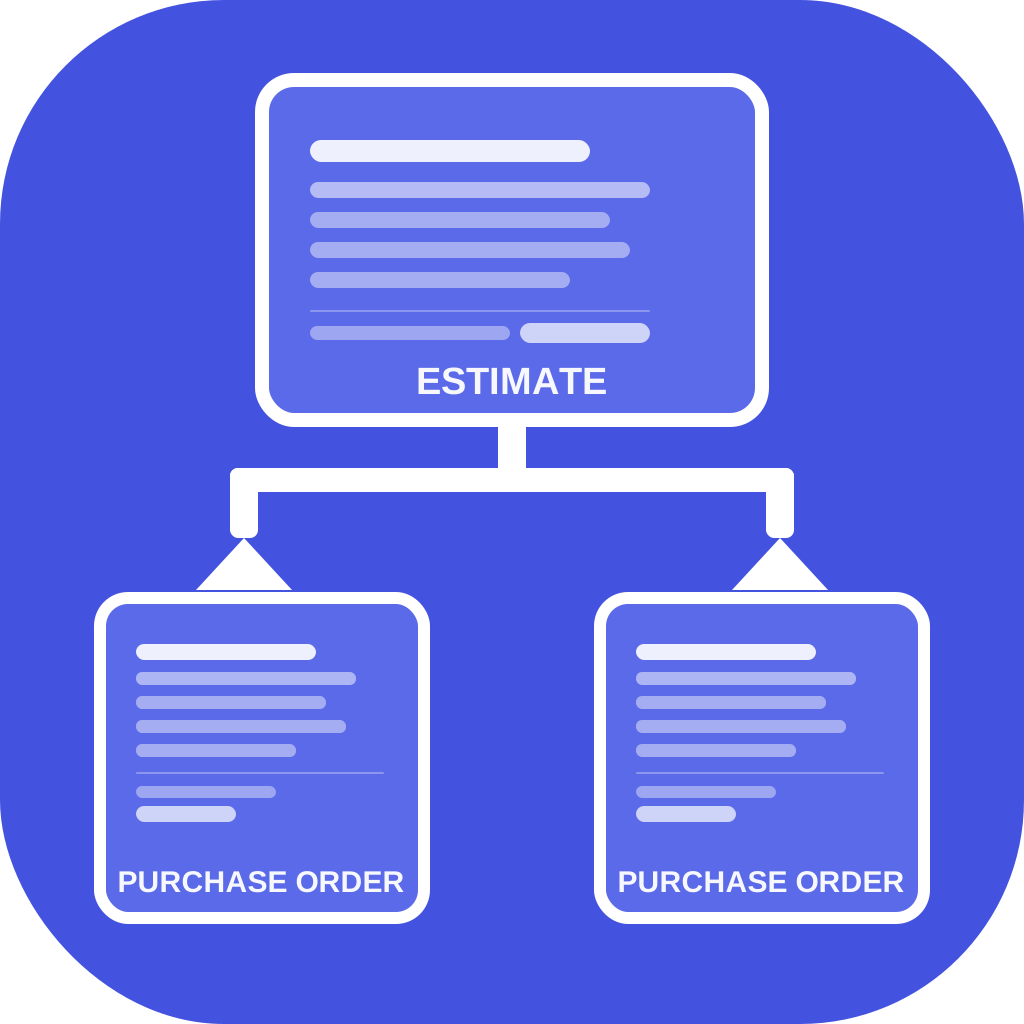
Convert one estimate into supplier POs in 30 seconds.
Stop duplicating estimates by hand. SupplyPO reads your estimate or quote, splits every line item by supplier, and creates all your Purchase Orders inside your accounting system — automatically.
Start Free — 14-Day TrialNo credit card required
One app. Both platforms. More coming.
Your accounting system only creates one PO per supplier.
If your estimate has materials from three suppliers, that means three duplicate estimates, three rounds of manual editing, and three Purchase Orders entered by hand. Every job. Every time.
Time consuming
Teams report spending 30–45 minutes per job duplicating estimates and creating POs manually.
Error prone
Manual copying between estimates introduces mistakes — wrong quantities, wrong suppliers, missed items.
Doesn't scale
One job is manageable. Five jobs running at once turns PO creation into a part-time job.
SupplyPO fixes it in one click.
Select an estimate or quote. SupplyPO reads every line item, groups them by supplier, and creates separate Purchase Orders directly inside your accounting system. No duplicate estimates. No re-typing.
Before SupplyPO
1. Duplicate estimate → delete supplier B, C items → create PO for supplier A
2. Duplicate estimate → delete supplier A, C items → create PO for supplier B
3. Duplicate estimate → delete supplier A, B items → create PO for supplier C
≈ 45 minutes per job
After SupplyPO
1. Select estimate or quote
2. Assign any unmapped items to suppliers (once, remembered)
3. Click "Create Purchase Orders"
≈ 30 seconds per job
How it works
Four steps. Under two minutes the first time. Thirty seconds after that.
Connect your books
Securely connect QuickBooks Online or Xero. One click, no data entry.
Select an estimate
Browse your open estimates or quotes. Already-converted ones are tracked so you never create duplicate POs.
Assign any suppliers
Items without a supplier show a dropdown. Pick one — it's remembered. You only do this once per item.
POs created
One click creates all your supplier POs inside your accounting system, ready to send.
Built for the tools you already use
SupplyPO connects directly to your existing accounting account through its official API. Your data never leaves your books. No duplicate systems. No exports.
Built by a veteran. For people who work hard.
SupplyPO was built by a Service-Disabled Veteran who spent years managing multi-vendor procurement in QuickBooks and got tired of the manual work. We are a U.S.-based, veteran-owned small business committed to building practical tools that save small businesses real time.
Service-Disabled
Veteran-Owned
SupplyPO is a Service-Disabled Veteran-Owned Small Business (SDVOSB) headquartered in the United States.
Stop duplicating estimates. Connect your books.
Set up in under 5 minutes. Works with QuickBooks Online and Xero.
Start Free Trial